
Table management might seem like a simple task — keep track of which tables are free and which are occupied. But anyone who has actually managed a busy restaurant knows the reality is far more complex. A 30-table restaurant during Friday dinner service is a constantly shifting puzzle: tables at different stages of their meals, reservations arriving at staggered times, walk-ins hoping for a spot, staff needing to know which tables to prioritize for cleaning, and hosts trying to optimize seating without making anyone wait too long.
When this puzzle is managed with a whiteboard, paper chart, or staff memory, mistakes are inevitable. Wrong tables get assigned, parties are seated at dirty tables, reservations are forgotten, and the chaos compounds as the evening gets busier. Digital table management solves all of these problems — and creates new opportunities for efficiency that analog methods simply can't match.
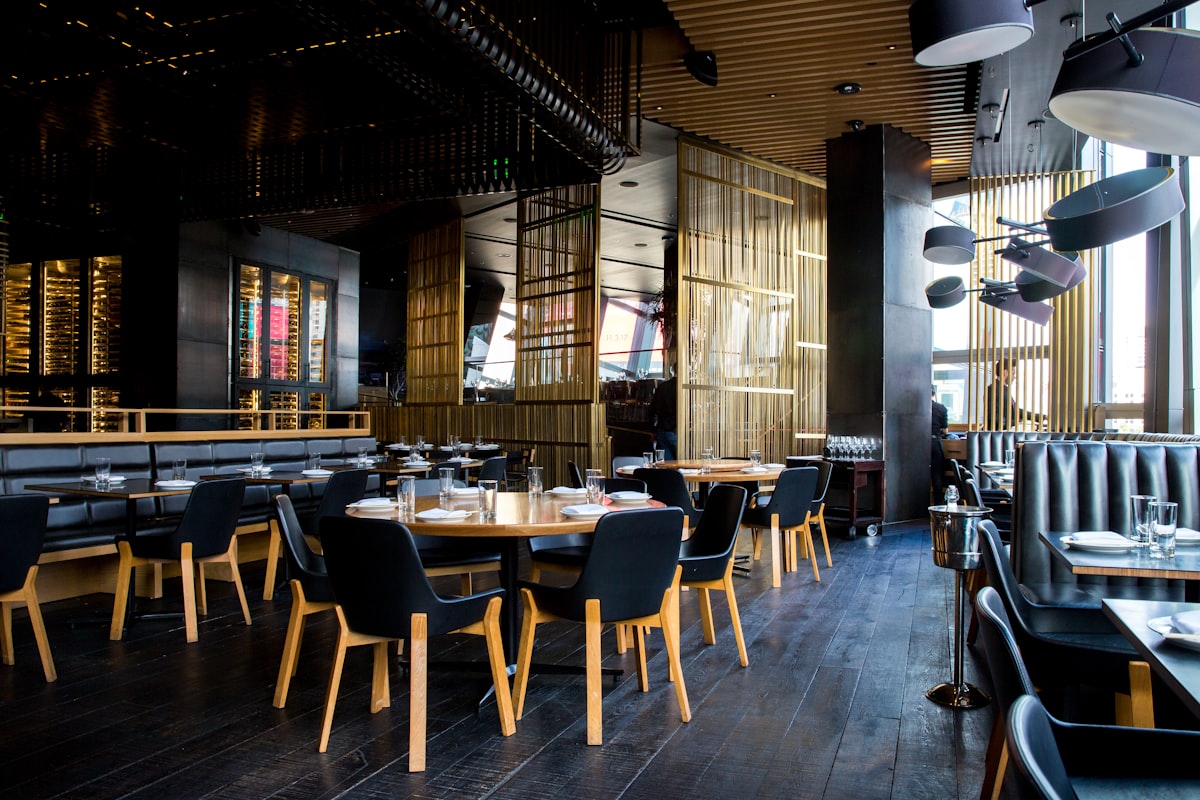
The Challenges of Table Management
Before exploring digital solutions, let's understand the specific pain points that restaurants face with table management:
Visibility Gaps
In a multi-room or multi-floor restaurant, the host at the entrance can't physically see all tables. They don't know if table 23 on the second floor just paid their bill and is about to leave, or if table 7 in the back room has been empty for 10 minutes because the busser hasn't noticed. This lack of visibility leads to inefficient seating — guests wait at the entrance while empty tables sit unoccupied elsewhere in the restaurant.
Status Tracking Difficulties
A table goes through multiple states during service: available, reserved (waiting for party), occupied (dining), bill requested, paid (waiting to leave), needs cleaning, and back to available. In analog systems, tracking these transitions requires constant communication between servers, bussers, hosts, and managers — which breaks down during rush periods when everyone is too busy to communicate.
Reservation Coordination
When a restaurant accepts both reservations and walk-ins, table assignment becomes a complex optimization problem. You need to hold tables for upcoming reservations while maximizing walk-in seating. Hold the table too early and it sits empty; release it too late and the reservation party has no seat. Getting this balance right requires real-time information about table status, party size, and expected dining duration.
Staff Communication Overhead
Without a digital system, table status updates require verbal communication or physical check-ins. "Is table 5 clean yet?" "Did table 12 pay?" "How long has table 8 been waiting?" These micro-communications add up to significant time waste and distraction for staff who should be focused on serving customers.
Research shows that poor table management costs the average restaurant 15-20% of its potential seating capacity. For a 30-table restaurant averaging ¥3,000 per customer, that's over ¥400,000 in lost revenue per month.
Benefits of Digital Table Management
Digital table management transforms a chaotic, communication-dependent process into a streamlined, automated system. Here are the key benefits:
Real-Time Floor Visualization
A digital floor map shows every table's current status at a glance, updated in real time. The host can see from the entrance that table 23 upstairs just requested the bill (they'll be free in about 5 minutes), table 7 has been cleaned and is ready (they can seat the next party immediately), and table 15 has been occupied for 90 minutes (they'll likely leave soon). This visibility enables proactive management instead of reactive scrambling.
Automatic Status Transitions
When integrated with an ordering system like Excuseme, many status transitions happen automatically. A customer scans the QR code: status changes from "available" to "occupied." They request the bill: status changes to "bill requested." Payment is processed: status changes to "needs cleaning." Staff marks cleaning complete: status returns to "available." No manual updates needed for most transitions.
Data-Driven Capacity Optimization
Digital systems record every status change with timestamps, creating a rich dataset for optimization. You can analyze average dining times by party size, day of week, and meal type. You can identify bottlenecks — maybe tables are sitting in "needs cleaning" status for too long because you need an extra busser during Friday dinner. You can forecast seating availability for walk-ins based on current table statuses and historical patterns.
Table Status Flow: From Empty to Ready Again
Understanding the complete table lifecycle is essential for optimizing turnover. Here's the full status flow that Excuseme manages:
| Status | Display Color | Trigger | Target Duration |
|---|---|---|---|
| Available | Green | Cleaning completed | 0 min (seat immediately) |
| Reserved | Blue | Reservation assigned | Until party arrives |
| Occupied | Orange | QR scan / manual seat | Avg. dining time |
| Bill Requested | Yellow | Customer requests bill | < 5 min |
| Cleaning | Red | Payment completed | < 5 min |
Time Alerts for Each Status
Excuseme monitors how long each table stays in each status and sends alerts when thresholds are exceeded. If a table has been in "bill requested" for more than 5 minutes, the staff dashboard highlights it in red — the customer is waiting and needs attention. If a table has been in "cleaning" for more than 7 minutes, it alerts the manager that turnaround is too slow. These time-based alerts ensure nothing falls through the cracks during busy service.
Integration with Waitlist Management
Table management becomes even more powerful when integrated with a waitlist system. The two systems create a feedback loop that optimizes the entire customer flow from arrival to departure.
Predictive Wait Times
When the waitlist system knows the current status of every table, it can provide accurate wait time estimates to customers. Instead of a vague "about 30 minutes," the system can calculate: "Table 8 (4-seat) requested the bill 3 minutes ago, expected to be available in 7 minutes. Estimated wait: 12 minutes including cleaning." This precision dramatically improves customer satisfaction — people don't mind waiting when they know exactly how long it will be.
Automatic Table Assignment
When a table becomes available, the system can automatically match it with the next appropriate party on the waitlist based on party size, seating preference (booth vs table, window vs interior), table capacity optimization (don't seat a couple at a 6-top when 2-tops are available), and reservation priority vs walk-in sequence. This automated matching ensures optimal table utilization while maintaining fairness for waiting customers.
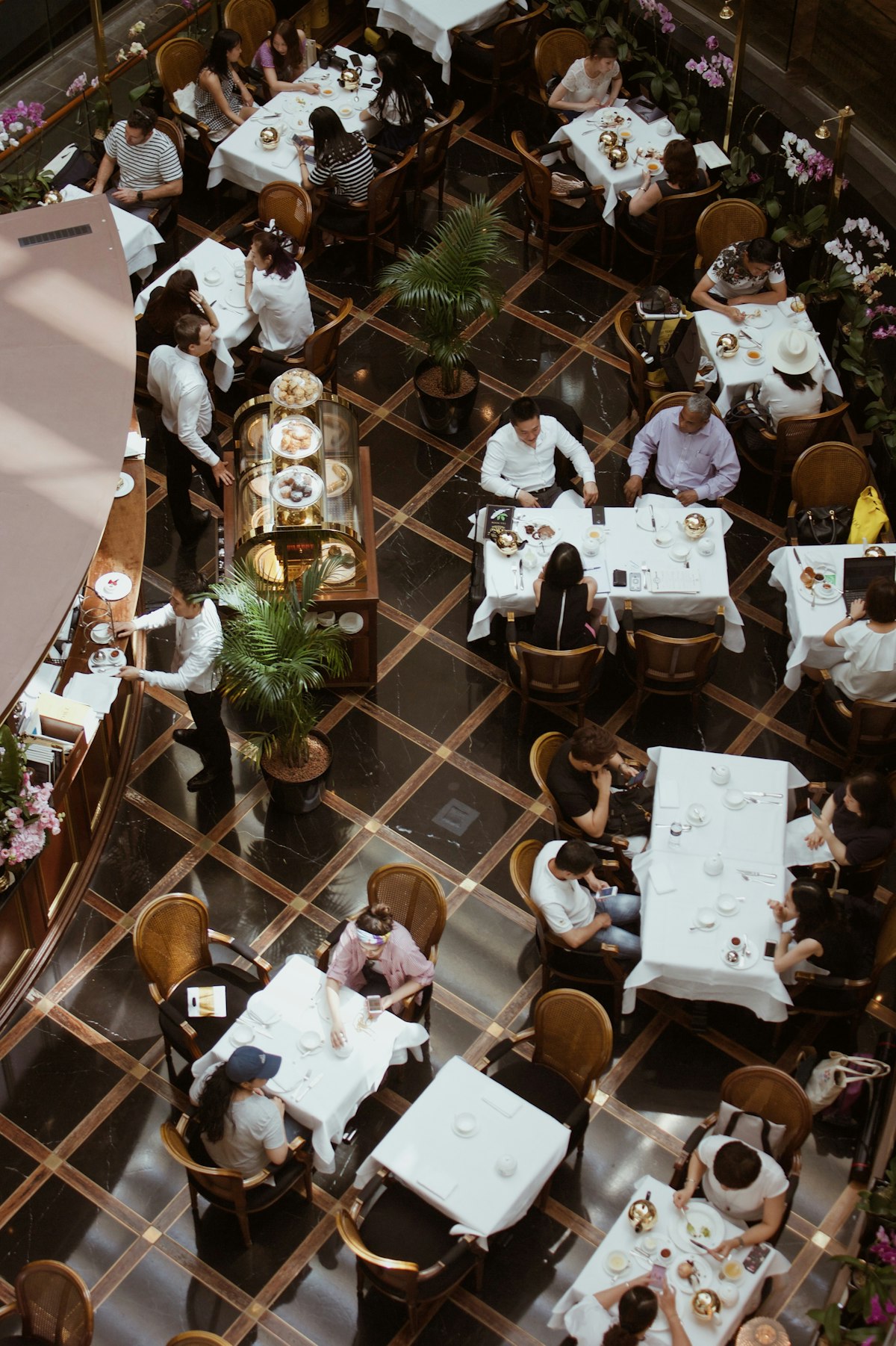
Customer Notifications
When a table is ready, the system can automatically notify the waiting customer via their phone. No more shouting names across a crowded entrance or handing out buzzer devices. The customer receives a notification saying their table is ready, and they can even see the table number and walking directions if the restaurant is large.
Excuseme's Table Management System
Excuseme's table management is deeply integrated with every other aspect of the system — ordering, billing, waitlist, and analytics. This integration is what makes it fundamentally different from standalone table management tools.
Visual Floor Map Editor
Set up your restaurant's floor plan in the Excuseme dashboard with a drag-and-drop editor. Place tables, define seating capacities, mark different zones (terrace, private rooms, bar seating), and the system uses this layout for both management and customer-facing features. Changes can be made at any time — rearranging tables for a large party or special event takes seconds, not hours of reprinting seating charts.
QR Code Per Table
Each table gets a unique QR code that links to that specific table's ordering session. When scanned, the system knows exactly which table the customer is at, automatically associates orders with the correct table, and updates the table status in real time. This eliminates the "which table ordered this?" confusion that plagues many restaurants during busy periods.
Staff Dashboard with Real-Time Updates
The staff dashboard provides a bird's-eye view of the entire restaurant, updated via WebSocket in real time. Every table shows its current status with color coding, the elapsed time in that status, the number of guests, the current order total, and any active alerts (bill requested, staff call, timer expiring). Multiple staff members can view the dashboard simultaneously on different devices, ensuring everyone has the same up-to-date information.
Excuseme's table management isn't a separate tool you add to your workflow — it's the natural result of your existing workflow being digitized. Orders, payments, and calls all automatically update table status. Zero extra effort, complete visibility.
| Feature | Analog (Whiteboard) | Basic Digital | Excuseme |
|---|---|---|---|
| Real-time status | Manual update only | Manual input | Automatic via orders |
| Multi-device view | Single location | Yes | Yes + WebSocket sync |
| Time tracking | None | Basic | Per-status with alerts |
| POS integration | None | Limited | Full Shopify POS |
| Analytics | None | Basic reports | Full turnover analysis |
Getting Started with Digital Table Management
Transitioning from analog to digital table management is simpler than you might think. With Excuseme, you define your tables and floor layout in the dashboard, generate QR codes for each table, print and place the QR codes, and the system starts tracking automatically as customers scan and order. Most restaurants complete the setup in under an hour and see immediate improvements in table turnover visibility and staff efficiency.
Stop managing tables with memory and hope. Let Excuseme give your team real-time visibility and automated status tracking, so every seat in your restaurant generates maximum revenue.