
The payment experience is the last impression a customer has of your restaurant — and for too many businesses, it's the worst part of the dining experience. Customers wait to flag down a server, wait for the bill to be calculated, fumble with cash or wonder if their card will be accepted, and then wait again while the payment is processed. For the restaurant, the payment process ties up staff, creates bottlenecks at the register, and is prone to errors that are embarrassing and costly to correct.
The shift to cashless payments and digital receipts is transforming this entire experience. In Japan, where cashless payment adoption has accelerated dramatically since 2020, restaurants that embrace modern payment technology are seeing faster table turnover, happier customers, lower error rates, and simplified accounting. In this guide, we'll explore the challenges of traditional restaurant billing, the benefits of going digital, and how Excuseme's Shopify POS integration creates a seamless payment experience from order to receipt.
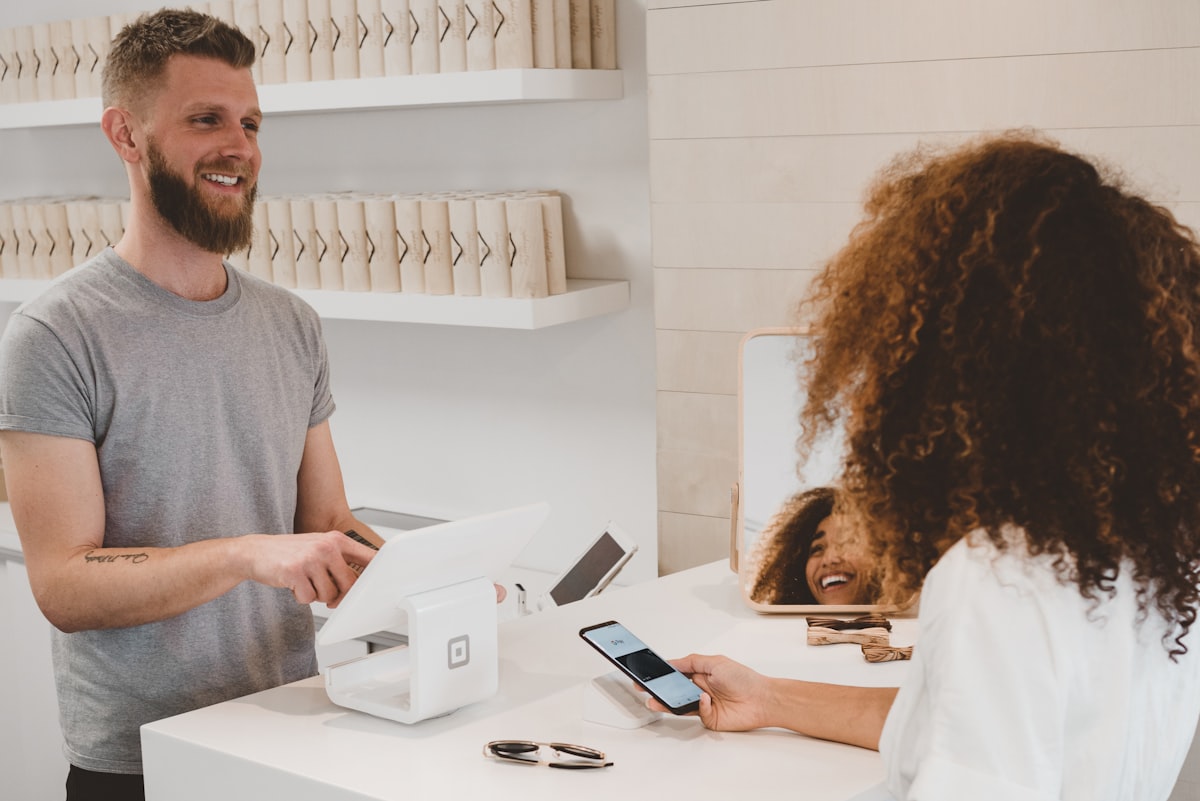
Challenges of Traditional Restaurant Billing
The traditional restaurant billing process has been largely unchanged for decades. Let's examine why it's ripe for disruption:
Manual Bill Calculation Errors
When orders are taken verbally and entered into the POS at the register, errors compound at every step. A server might forget to enter a dish, enter the wrong quantity, or miss a drink order. These errors are discovered at billing time, leading to recalculations, customer disputes, and either lost revenue (if the restaurant absorbs the error) or customer dissatisfaction (if the customer is charged for something they think they didn't order). Studies show manual order entry has an error rate of 5-8%, compared to less than 1% for digital ordering.
Payment Method Limitations
Many restaurants still accept only cash, or cash and major credit cards. This creates friction for customers who prefer mobile payments (PayPay, LINE Pay, Suica), international tourists with foreign cards, and younger customers who increasingly go out without cash. Every customer who walks away because you can't accept their preferred payment method is lost revenue and a negative impression that spreads through word of mouth and online reviews.
Cash Handling Costs
Cash seems "free" to accept, but the hidden costs are significant: time spent counting the register at opening and closing (typically 15-20 minutes each), risk of counting errors and theft, bank deposit trips and fees, need for a safe and change-making supplies, and the labor cost of staff time spent on cash-related tasks. When you add it all up, cash handling costs most restaurants 2-3% of cash revenue — often more than credit card processing fees.
Register Bottlenecks
Most restaurants have one or two registers. During peak periods, this creates a bottleneck: multiple tables finishing at the same time, all needing to pay, while staff juggle between serving new customers and processing payments. The result is a line at the register, delayed table turns, and frustrated customers who just want to leave. This bottleneck is one of the biggest hidden drags on table turnover.
The average restaurant customer spends 8-15 minutes on the payment process — from requesting the bill to leaving the table. Digital payment solutions can reduce this to under 3 minutes.
Digitizing Receipt Printing
Paper receipts are an environmental and operational burden that most restaurants accept without question. But there are better alternatives:
The Problem with Paper Receipts
Thermal paper receipts fade over time (making them useless for expense records), contain BPA chemicals, jam printer mechanisms requiring costly repairs, consume supplies that need regular restocking, create waste (most receipts are thrown away immediately), and don't provide any data back to the restaurant. They're a one-way, disposable communication method from an era before digital alternatives existed.
Digital Receipt Options
Modern POS systems offer several digital receipt alternatives. Email receipts can be sent directly to the customer's email address. SMS receipts send a text with the receipt details or a link. QR code receipts let customers scan a code at the register to view their receipt on their phone. In-app receipts, like those in Excuseme, show the complete order and payment details directly in the customer's ordering interface — no extra steps needed.
| Receipt Type | Cost per Receipt | Customer Convenience | Data Value | Environmental Impact |
|---|---|---|---|---|
| Paper (thermal) | ¥3-5 | Low (easy to lose) | None | High (waste + chemicals) |
| ¥0 | Medium (email required) | Medium (email collected) | None | |
| In-app (Excuseme) | ¥0 | High (already on phone) | High (linked to order data) | None |
Diversifying Payment Methods
Japan's payment landscape has diversified rapidly. To maximize revenue, restaurants need to accept the payment methods their customers actually want to use.
The Cashless Payment Landscape in Japan
Japan's cashless payment ratio has grown from 20% in 2018 to over 40% in 2025, with a government target of 80% by 2030. The breakdown includes credit and debit cards (still the largest segment), QR code payments like PayPay and LINE Pay (fastest growing segment), IC cards like Suica, PASMO, and nanaco, and international mobile wallets (Apple Pay, Google Pay). For restaurants, each unsupported payment method represents a friction point that may cost you customers.
International Visitor Payments
Foreign visitors bring their own payment preferences. American and European tourists expect credit card acceptance (Visa, Mastercard). Chinese tourists prefer Alipay and WeChat Pay. Korean tourists use Samsung Pay. Australian tourists expect tap-to-pay everywhere. A restaurant that only accepts cash is effectively invisible to a growing segment of the market that searches for "credit card accepted" or "cashless" when choosing where to eat.
Unified Payment Processing
Rather than juggling multiple payment terminals and providers, modern POS systems like Shopify POS offer unified payment processing. One terminal handles credit cards, debit cards, IC cards, and mobile payments. One dashboard shows all transactions regardless of payment method. One set of reports for accounting. This simplification dramatically reduces staff training time and payment processing errors.
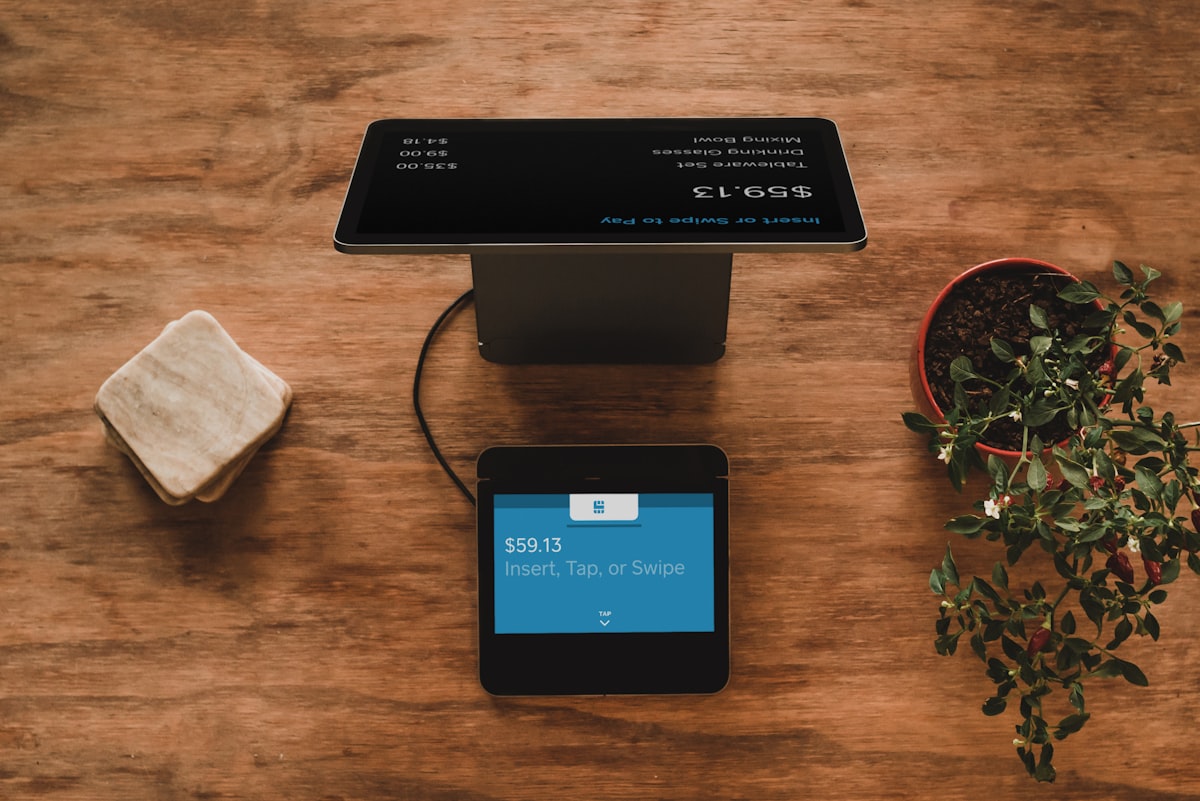
How Shopify POS Integration Works with Excuseme
Excuseme's integration with Shopify POS creates a seamless flow from ordering to payment. Here's how the entire process works:
Step 1: Order to Draft Order
When customers place orders through Excuseme's QR ordering interface, the system creates a Shopify Draft Order. This draft order contains all items, quantities, variants, and any special requests — exactly as the customer ordered them. The draft order is immediately visible in Shopify POS, so staff and the kitchen know what to prepare.
Step 2: Additional Orders
Throughout the meal, customers can add more items. Each additional order updates the same Draft Order, creating a running tab for the table. The staff dashboard shows the real-time order total, making it easy to track spend per table. There's no need to create separate checks or manually combine orders at the end.
Step 3: Bill Request and Review
When customers are ready to pay, they tap the "Request Bill" button on their phone. The complete order summary is displayed on their screen for review — every item, every additional order, with the total. Simultaneously, the staff dashboard is notified, and the table status changes to "Bill Requested." The customer can review the bill while the staff prepares the payment at the register.
Step 4: Payment Processing
The Draft Order is converted to a regular Shopify Order and processed through Shopify POS. The customer pays using any method supported by your Shopify POS setup — credit card, IC card, QR code payment, or cash. Shopify handles all the payment processing, settlement, and reporting. The receipt can be printed, emailed, or viewed in the Excuseme interface.
| Process Step | Traditional Flow | Excuseme + Shopify POS |
|---|---|---|
| Order entry | Staff writes → enters in POS | Customer enters directly |
| Bill request | Flag down staff → staff prints | One tap on phone |
| Bill accuracy | 92-95% (manual errors) | 99%+ (digital) |
| Payment methods | Limited by terminal | All Shopify-supported methods |
| Receipt | Paper only | Digital + paper option |
| Total time | 8-15 minutes | 2-3 minutes |
Receipt Customization
With Shopify POS integration, your receipts are no longer just a list of items and prices. They become a communication tool that reinforces your brand.
Branded Receipts
Add your restaurant logo, brand colors, and custom messaging to both printed and digital receipts. A professional receipt reinforces your brand identity and creates a more polished impression. Through Shopify's customization options, you can add thank-you messages, social media handles, upcoming events or promotions, and loyalty program information.
Multilingual Receipts
For international customers, receipts can be generated in their language. Combined with Excuseme's multilingual ordering system, the entire experience — from browsing the menu to receiving the receipt — is in the customer's preferred language. This creates a seamless, professional experience that international visitors will remember and recommend.
Tax and Invoice Compliance
Japan's invoice system (インボイス制度) requires specific information on receipts for tax purposes. Shopify POS handles this automatically, ensuring every receipt includes the required registration number, proper tax breakdown, and format compliance. This eliminates the risk of non-compliance and simplifies your tax reporting process.
By integrating ordering, billing, and payment through Excuseme and Shopify POS, you create a complete digital paper trail from the moment a customer sits down to the moment they leave. Every transaction is recorded, every item tracked, and every payment reconciled automatically. Month-end accounting that used to take days now takes hours.
Making the Transition
Transitioning to cashless and digital receipts doesn't have to be all-or-nothing. Many restaurants successfully make the switch gradually. Start by adding Shopify POS as your payment system. Then introduce QR ordering with Excuseme. Begin offering digital receipts alongside paper. As staff and customers adapt, gradually reduce reliance on cash and paper. The key is to make the transition smooth for both your team and your customers.
The future of restaurant payments is digital, cashless, and integrated. Excuseme and Shopify POS make that future accessible today — even for small, independent restaurants. Faster payments mean faster table turns, happier customers, and healthier margins. The question isn't whether to make the switch, but how soon you can start.