
Japan's restaurant industry is facing an unprecedented staffing crisis. According to industry surveys, over 80% of food service businesses report difficulty hiring enough staff, and the situation is only getting worse as the working-age population shrinks. Rising labor costs, high turnover rates, and changing work preferences among younger generations are compounding the problem.
But here's the good news: technology can solve many of the tasks that traditionally required human staff. From self-ordering to kitchen displays to automated waitlists, modern restaurant technology can help you maintain — or even improve — service quality with fewer staff. In this article, we'll show you exactly how.
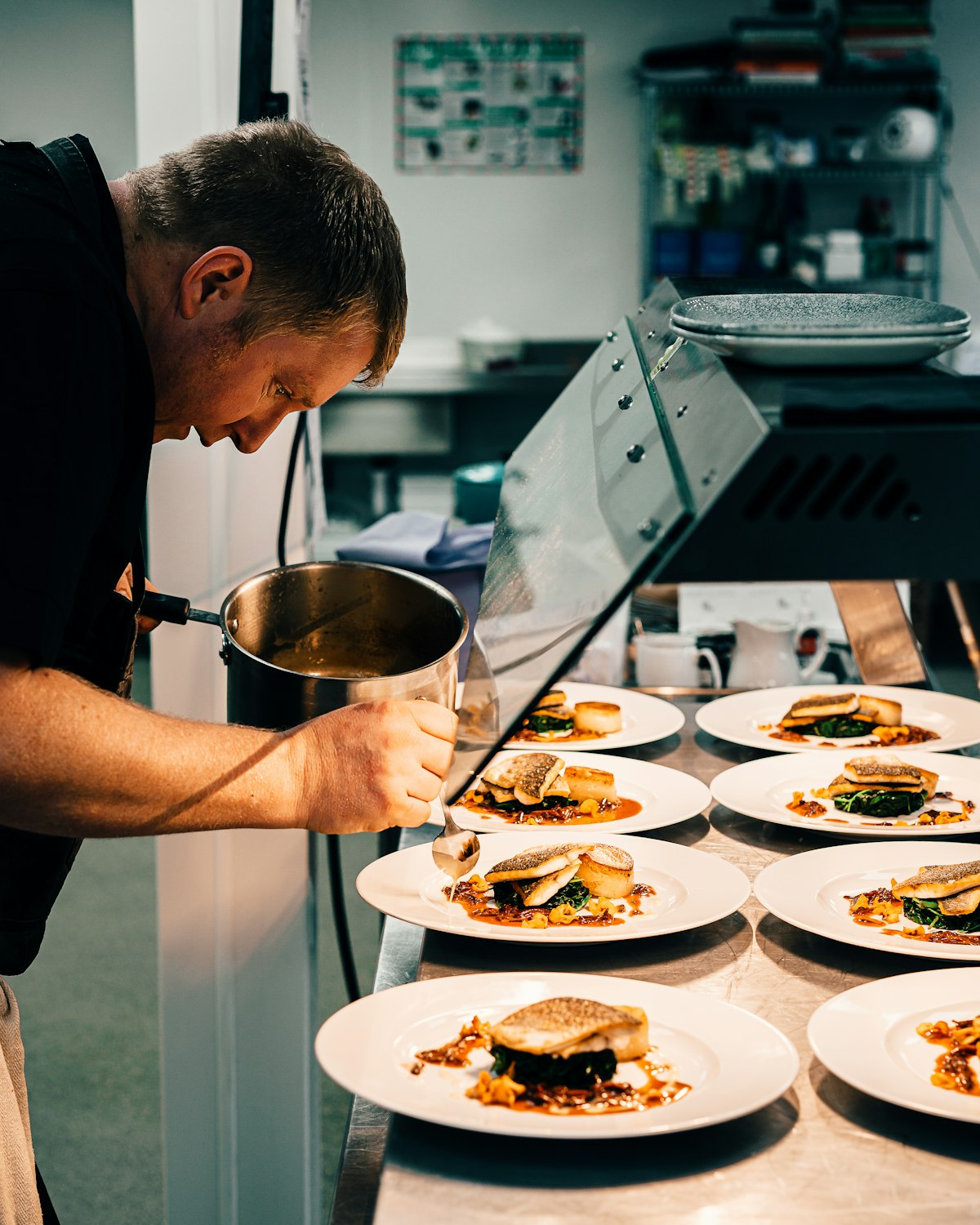
The Reality of Staff Shortages in Food Service
The numbers tell a stark story. The food service industry consistently ranks as one of the hardest sectors to recruit for in Japan. Here are the key factors driving the shortage:
Demographic Decline
Japan's working-age population (15-64) has been declining since the 1990s and is projected to shrink by another 20% by 2040. Fewer people in the workforce means more competition for every available worker — and the restaurant industry, with its demanding hours and physical work, often loses out to other sectors.
High Turnover Rates
The restaurant industry has one of the highest turnover rates across all sectors — often exceeding 30% annually. This means restaurants are constantly recruiting and training new staff, creating a vicious cycle of hiring costs, reduced service quality during training periods, and burnout among remaining staff who have to cover the gaps.
Rising Labor Costs
Minimum wages have been rising steadily, and the competition for workers has pushed actual wages even higher. For many small restaurants operating on thin margins, adding even one more staff member can be the difference between profit and loss. The challenge is clear: how do you maintain service quality while managing rising labor costs?
The solution isn't to simply "work harder with fewer people." The answer is to use technology to eliminate unnecessary tasks, so your staff can focus on what humans do best — hospitality, creativity, and personal service.
Tasks Technology Can Handle
Before diving into specific solutions, let's map out which restaurant tasks can be automated or assisted by technology:
| Task | Traditional Method | Technology Solution | Staff Needed |
|---|---|---|---|
| Taking orders | Waiter visits table | QR self-ordering | 0 staff |
| Relaying to kitchen | Runner carries ticket | KDS auto-display | 0 staff |
| Waitlist management | Reception staff | Digital waitlist | 0 staff |
| Bill calculation | Manual POS entry | Auto-calculated | 0 staff |
| Menu explanation | Waiter explains | Photos + descriptions | 0 staff |
| Call for service | Waiter monitors tables | Digital call button | On-demand only |
| Sales reporting | Manual spreadsheet | Auto dashboard | 0 staff |
As this table shows, the majority of routine, repetitive restaurant tasks can be handled by technology — freeing your staff to focus on cooking, serving food, and providing genuine hospitality.
Self-Ordering: The Biggest Impact on Labor Savings
Of all the technology solutions available, self-ordering (QR code table ordering) delivers the single biggest labor savings. Here's why: order-taking is one of the most time-consuming and staff-intensive tasks in a restaurant. A waiter must approach the table, wait while customers decide, answer questions about the menu, write down the order accurately, and relay it to the kitchen. This cycle repeats for every table, multiple times per visit when customers want to add items.
Concrete Example: 4 Staff → 2 Staff
Let's look at a real-world scenario. Consider a 40-seat casual dining restaurant with 10 tables:
Before (Traditional Service):
- 2 waiters for order-taking and serving
- 1 runner/busser for clearing and relaying orders
- 1 reception/cashier
- Total front-of-house: 4 staff
After (With Excuseme):
- 1 server for food delivery and customer care
- 1 flexible staff for clearing, setup, and assistance
- Order-taking: Automated (QR self-order)
- Order relay: Automated (KDS)
- Reception: Automated (digital waitlist)
- Total front-of-house: 2 staff
That's a 50% reduction in front-of-house staff — from 4 to 2 — while maintaining or improving service quality. Customers actually get faster service because they can order whenever they're ready (no waiting for a waiter), and orders reach the kitchen instantly.
Additional Benefits of Self-Ordering
Beyond labor savings, self-ordering with Excuseme provides several additional benefits:
- Higher average order value — Studies show that customers order 15-25% more when ordering from a digital menu. They browse longer, see photos of every item, and don't feel rushed by a waiting server.
- Zero order errors — Customers select exactly what they want from the menu, including variants and options. No mishearing, no miscommunication.
- Multilingual support — Excuseme automatically detects the customer's browser language and displays the menu in Japanese or English. No need for multilingual staff.
- Easy additional orders — Customers can add items anytime without flagging down a waiter, leading to more spontaneous orders of drinks and desserts.
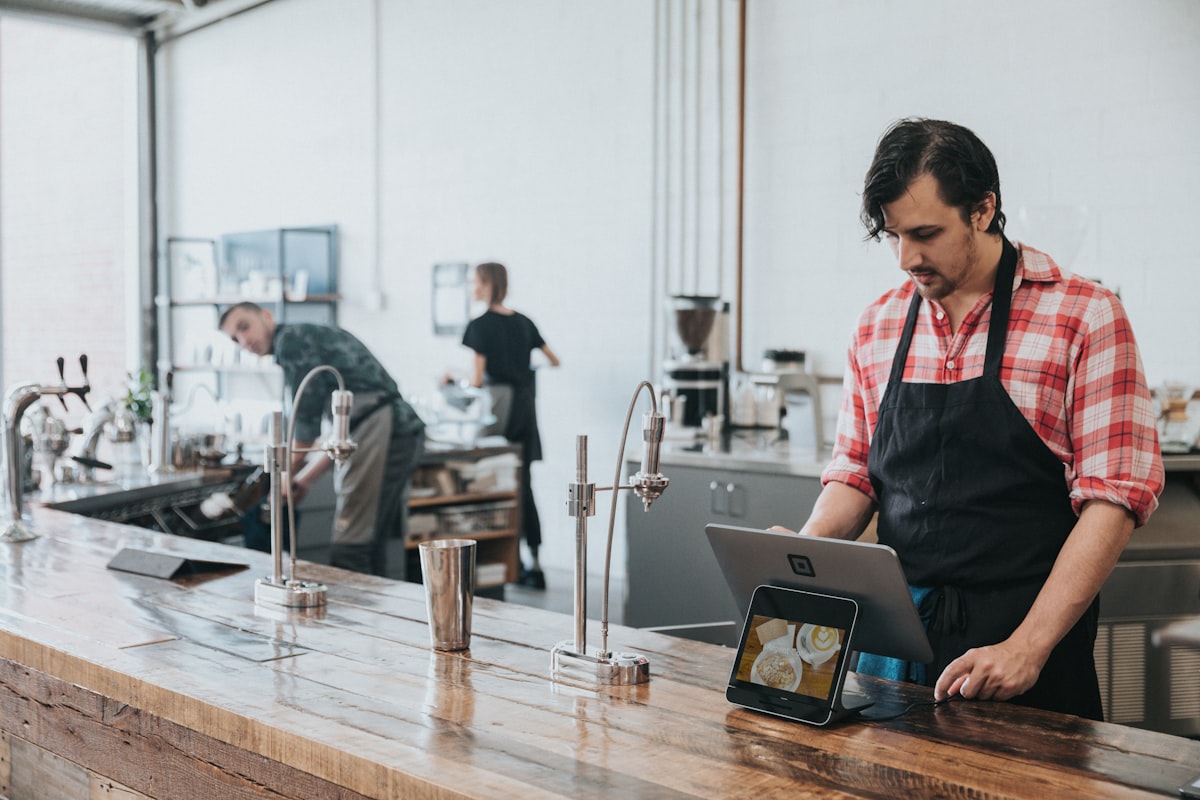
Kitchen Display: Eliminating the Ticket Runner
In many restaurants, one staff member's primary job is running between the front of house and the kitchen — carrying order tickets, communicating modifications, and calling out when dishes are ready. This "ticket runner" or "expeditor" role exists purely because of the communication gap between dining room and kitchen.
A KDS eliminates this gap entirely. When combined with Excuseme's table ordering, the flow becomes fully digital:
- Customer orders via QR code → order appears on KDS instantly
- Kitchen staff prepares the order, updating status on the KDS
- When complete, KDS notifies the serving staff (and optionally the customer)
- Server picks up and delivers — no verbal relay needed
This means the dedicated ticket runner position can be eliminated entirely. That's one fewer staff member needed per shift, which adds up to significant savings over a month or year.
Digital Waitlist: No More Reception Staff
During peak hours, many restaurants dedicate a staff member solely to managing the waiting line — greeting arrivals, writing names on a list, estimating wait times, and calling out names when tables are ready. This is another task that technology handles beautifully.
Excuseme's digital waitlist system lets customers join the queue by scanning a QR code at the entrance. They receive a number, an estimated wait time, and real-time updates on their phone. When their table is ready, they get an automatic notification — no staff member needs to shout names or search the waiting area.
An additional benefit: customers can wait elsewhere — browse nearby shops, sit in their car, or relax at a cafe — rather than crowding your entrance. This improves the experience for everyone and reduces the need for a large waiting area.
Analytics Dashboard for Smarter Management
Traditional restaurant management often relies on gut feeling and manual number-crunching. An owner might spend hours each week compiling sales data from their POS, calculating food costs from invoices, and trying to identify trends in a spreadsheet. This is time that could be spent on actually improving the business.
With Excuseme + Shopify, all your data is automatically collected, organized, and visualized. You can see at a glance:
- Best-selling and worst-selling menu items
- Peak hours and slow periods
- Average order value by time of day and day of week
- Table turnover rates
- Average cooking and serving times
- Customer ordering patterns
This data helps you make informed decisions about staffing (schedule more staff during actual peak hours, not guessed ones), menu optimization (remove low-selling items, promote high-margin ones), and marketing (target promotions at slow periods).
The "One-Person Restaurant" with Excuseme
The ultimate expression of technology-enabled efficiency is the "one-person restaurant" — a concept where a single owner-operator can run an entire small restaurant with the help of technology. While this isn't possible for every restaurant type, it's increasingly viable for small cafes, ramen shops, curry houses, and other quick-service formats.
Here's what the workflow looks like with Excuseme:
- Entry — Customer joins digital waitlist or seats themselves
- Ordering — Customer scans QR code and orders from their phone
- Kitchen — Order appears on KDS; owner/chef cooks the order
- Notification — Customer's phone buzzes when food is ready
- Serving — Customer picks up from counter, or owner delivers in a small space
- Payment — Processed through Shopify POS or self-checkout
- Additional orders — Customer adds items via phone anytime
In this model, the owner focuses entirely on what matters most: cooking great food. All the administrative and service tasks are handled by the technology stack. It's not about removing hospitality — it's about focusing it where it matters most.
ROI Analysis: Monthly Costs vs. Labor Savings
Let's put hard numbers to the labor savings. The following table compares the cost of Excuseme against the labor costs you can save:
| Item | Cost / Savings |
|---|---|
| --- Costs --- | |
| Shopify Basic Plan | ¥4,850/month |
| Excuseme (Standard Plan) | ¥5,000/month |
| Tablet for KDS | ¥2,500/month (¥30,000 / 12) |
| Total Monthly Cost | ¥12,350/month |
| --- Savings --- | |
| Reduce 1 part-time staff (5h × 20 days × ¥1,200) | ¥120,000/month |
| Reduce 1 additional part-time (peak hours: 3h × 15 days × ¥1,200) | ¥54,000/month |
| Saved printing costs (thermal paper, printer maintenance) | ¥3,000/month |
| Revenue increase from higher order value (+15%) | ¥50,000~¥150,000/month * |
| Total Monthly Savings | ¥227,000~¥327,000/month |
| Net Monthly Benefit: ¥214,650 ~ ¥314,650 | |
* Revenue increase estimate based on average monthly sales of ¥3,000,000 for a 40-seat restaurant. Actual results vary by restaurant type and location.
The ROI is overwhelming. With a monthly investment of just over ¥12,000, you can save ¥200,000 or more — a return of over 1,700%. The system typically pays for itself within the first week of operation.
Even in a conservative scenario where you reduce just one part-time staff member, the monthly savings of ¥120,000 dwarf the ¥12,350 monthly cost — nearly 10x return on investment.
Implementation Roadmap
Transitioning to a technology-driven operation doesn't have to happen all at once. Here's a recommended phased approach:
Phase 1: Self-Ordering (Week 1-2)
Start with QR code table ordering. This delivers the biggest impact with the least disruption. Set up Shopify, install Excuseme, register your menu, generate QR codes, and place them on tables. Run it alongside traditional ordering for the first week, then gradually transition.
Phase 2: Kitchen Display (Week 3-4)
Once self-ordering is running smoothly, add the KDS. This eliminates the order relay step and gives your kitchen real-time visibility. Again, run alongside paper tickets initially.
Phase 3: Optimize Staffing (Month 2)
After a month of technology-assisted operations, review your staffing needs. You'll have real data on which roles have been automated and where human staff are still needed. Gradually adjust schedules and team size based on the data.
Phase 4: Full Optimization (Month 3+)
With analytics data accumulated over two months, optimize your menu (remove low performers, promote high-margin items), refine staffing schedules to match actual demand patterns, and explore additional features like the digital waitlist system.
The restaurant industry is changing, and staffing challenges aren't going away. But with the right technology, you can turn this challenge into an opportunity — running a more efficient, more profitable restaurant with a smaller, happier team. Excuseme gives you the tools to make it happen.